
Creating a productive home office environment is essential for anyone working remotely or managing tasks from home. With the right setup, you can enhance your focus, reduce distractions, and maintain a healthy work-life balance. This guide offers actionable tips to help you design a home office space that supports your productivity and well-being.
Choose the Right Location
Finding the perfect spot in your home for your office is the first step. Consider a quiet area with minimal foot traffic. If possible, select a space with natural light as it can improve mood and energy levels throughout the day. Avoid spaces that are used for relaxation or entertainment, as this can make it harder to switch into work mode.
Invest in Comfortable and Ergonomic Furniture
Comfort matters when you spend extended hours at your desk. Invest in a chair with good lumbar support to prevent back pain. Your desk should be the right height for you to maintain good posture. Ergonomic accessories like a keyboard tray, adjustable monitor stands, and footrests can also make a big difference.
Optimize Lighting
Good lighting reduces eye strain and keeps you alert. Aim for a combination of natural daylight and task lighting. Position your desk near a window but avoid glare on your computer screen. Adjustable desk lamps can help focus light on your work area when needed.
Keep Your Workspace Organized
Clutter can be distracting and counterproductive. Use storage solutions like shelves, drawers, and organizers to keep supplies, documents, and electronics neatly arranged. Develop a daily tidying habit to maintain a clean environment and make it easier to find what you need quickly.
Minimize Distractions
Distractions can degrade your productivity quickly. To limit interruptions:
– Inform family members or housemates of your work schedule.
– Use noise-canceling headphones or white noise machines to block background sounds.
– Turn off nonessential notifications on your devices during focused work times.
Incorporate Technology Wisely
Technology is both a tool and a potential distraction. Ensure your computer and internet connection are reliable for seamless work. Use productivity apps and software to manage tasks, schedules, and communication efficiently. However, avoid multitasking with social media or unrelated websites during your work hours.
Personalize Your Space
A personalized workspace can make your home office more inviting and motivate you to work. Add elements like plants, artwork, or photos that inspire you without cluttering your desk. Choose colors that promote calm and focus, such as blues or greens.
Schedule Breaks and Movement
Sitting continuously can negatively impact your health and concentration. Plan regular breaks to stretch, walk around, or do quick exercises. Consider using a timer to remind yourself to stand or move every hour.
Set Clear Boundaries
Work-life boundaries can blur when working from home. Set specific working hours and communicate them to others. When your workday ends, close the office door or put away work materials to help mentally switch off.
Maintain Good Air Quality
Fresh air and proper ventilation contribute to a healthier workspace. If possible, open windows regularly to circulate air. Consider using an air purifier or adding indoor plants that help improve air quality.
Keep Healthy Snacks and Water Nearby
Staying hydrated and nourished supports your energy levels and focus. Keep a water bottle within reach and have healthy snacks like nuts, fruits, or yogurt available. Avoid excessive caffeine or sugary snacks that can cause energy crashes.
—
By carefully designing your home office environment with these tips in mind, you can create a space that supports your productivity and comfort. Remember, a well-organized and pleasant workspace is a foundation for successful workdays at home.
Related Posts
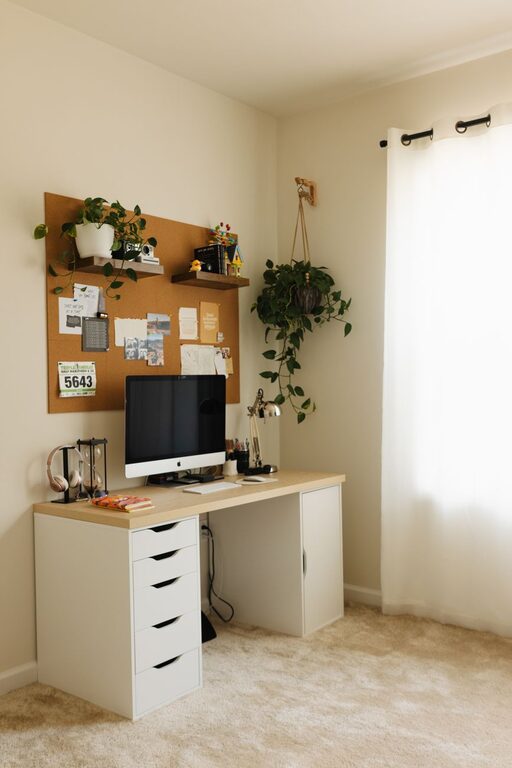
How to Create a Cozy and Productive Home Office Space
Creating a home office that feels both cozy and productive…

Tips for Creating a Relaxing Home Office Environment
Creating a relaxing home office environment is essential for maintaining…
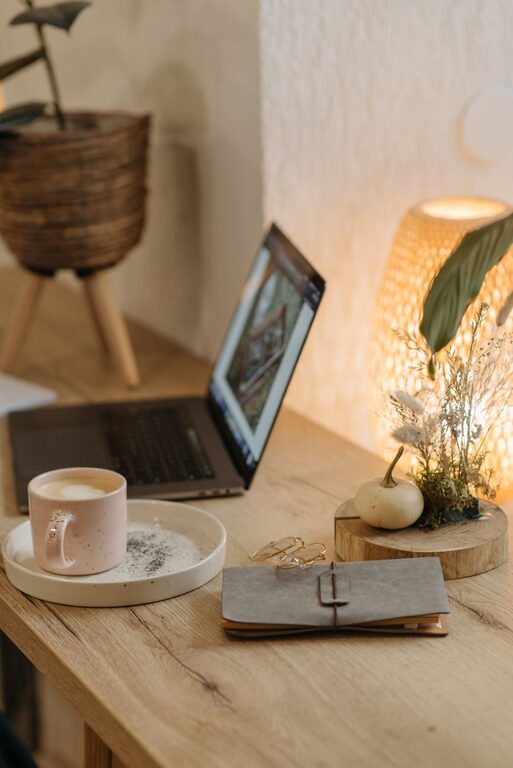
Tips for Organizing a Productive Home Workspace
Working from home has become increasingly common, and creating an…